UI & Interfaces Case 7

System Library #7UI & Interfaces
#UI & Interfaces#UI#Realistic#Character#Fashion#Food#Story1167 characters · 3 parameters

Prompt content

3 prompt-specific parameters. Select any colored field inline.

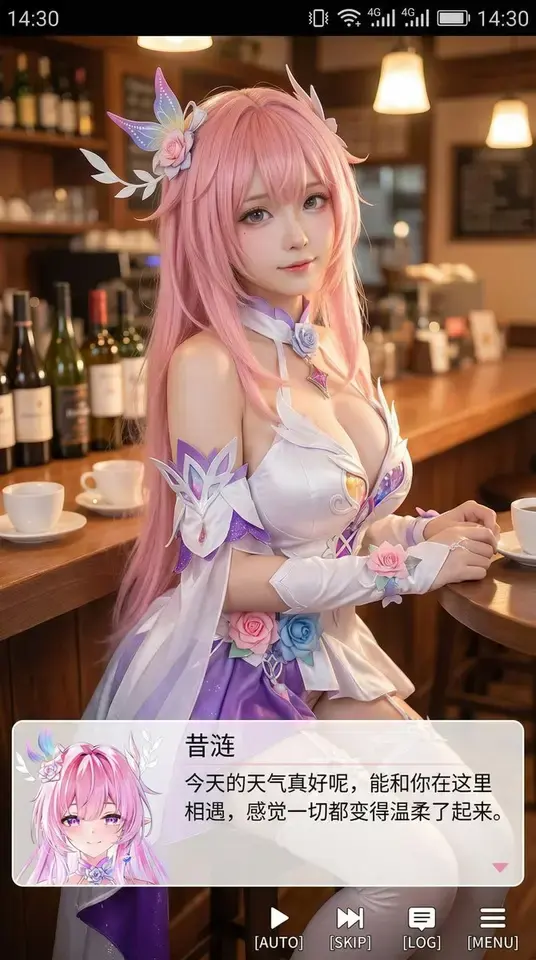
Generate a vertical phone-screenshot style image with an overall aspect ratio close to 9:16. At the upper center of the frame is a real-life cosplayer portraying the 2D character from the uploaded image. The character is rendered in , sitting in an indoor casual setting such as in front of a , with props that match the scene. At the top of the image, add a phone system status bar UI showing icons for time, battery, signal, network, etc., making the whole picture look like a phone screenshot. At the bottom, overlay a large semi‑transparent galgame‑style dialogue box; the left side of the box displays an anime or chibi avatar matching the on‑screen character, while the right side contains text: the first line in a larger font shows the same character name as before, followed by one or two lines of a Simplified Chinese line appropriate for the character’s persona, which you will create automatically. Below the dialogue box, add an operation bar mimicking galgame UI. The overall style should be high‑definition, richly detailed, with soft lighting, and a natural blend of 2D anime and real‑life photography.

Related cases

Explore similar styles

Back to Plaza