Prompt content
2 prompt-specific parameters. Select any colored field inline.
[CORE TASK] Transform the provided input image into a .
This is NOT a finished character illustration. This is NOT a clothing sheet. This is NOT a beauty-preserving redraw.
This is a white-line rough mannequin conversion.
[PRIMARY GOAL] Extract and visualize only:
- pose structure
- body balance
- camera angle
- body line flow
- inferred light source placement
- illuminated areas and light intensity
[INPUT ROLE] Use the provided image as the strict anchor for:
- pose
- camera angle
- body tilt
- weight distribution
- approximate lighting situation
Do NOT preserve:
- face rendering
- hairstyle rendering
- clothing detail
- accessories
- weapon detail
- background architecture
- character identity
- emotional expression
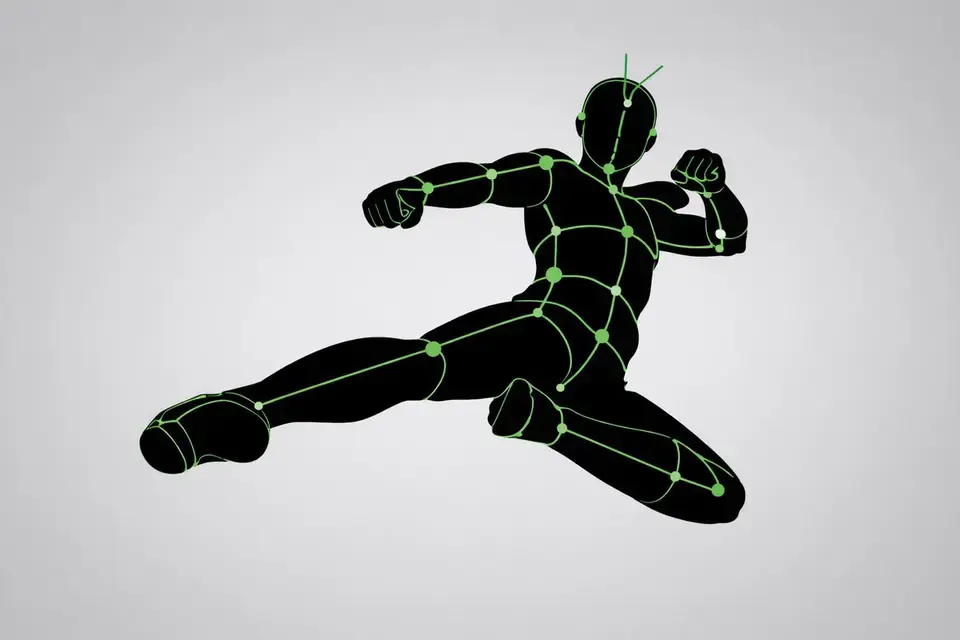
[FIGURE CONVERSION] white body contour lines white internal construction lines simple mannequin head no face no eyes no mouth no eyelashes no personality no individual identity
human figure should look like:
- rough pose mannequin
- anatomy proxy
- line-based body guide
- structural sketch
- white-line rough dummy
keep:
- pose readability
- silhouette flow
- head tilt
- torso direction
- pelvis direction
- limb placement
[BACKGROUND] pure black background negative-style dark field no scenery no props no architecture no environmental storytelling
[LINE STYLE] rough white line drawing clean but sketch-like construction-line feeling anatomy guide lines visible joint flow visible body contour emphasized no polished illustration finish
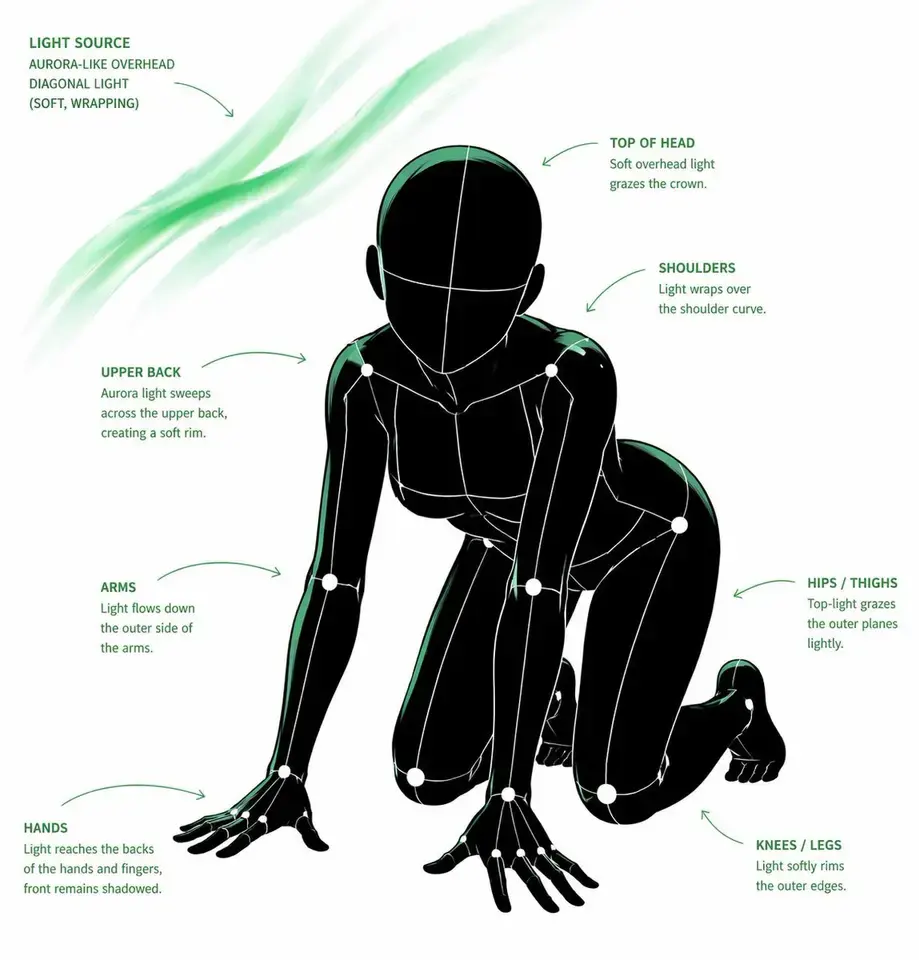
[LIGHT ESTIMATION] predict the likely light source positions from the input image visualize the light sources and illuminated areas using green glow only
use green light intensity with variation:
- strongest green where the light directly hits
- medium green for wrap light
- soft green for reflected or fading light
mark the estimated light sources with labels and arrows such as:
- Main Light
- Rim Light
- Fill Light
- Floor Bounce
- Back Light only if appropriate
IMPORTANT: do not invent random lights infer lighting from the original input image if the lighting is ambiguous, keep the annotations simple and plausible
[GREEN LIGHT VISUALIZATION] show green glow on:
- head / skull plane
- neck
- shoulders
- chest plane
- ribcage direction
- pelvis edge
- thigh planes
- knee contact points
- floor contact bounce if applicable
use green light not as decoration, but as lighting analysis information
[POSE PRIORITY]
- preserve pose structure
- preserve camera angle
- preserve body balance
- preserve head-torso relationship
- visualize likely light direction
- show illuminated areas with readable green intensity variation
[NEGATIVE] finished person, cute girl, detailed face, hair rendering, clothing rendering, weapon emphasis, beautiful anatomy
Related cases