Documents & Publishing Case 453

System Library #453Documents & Publishing
#Documents & Publishing#Poster#Brand#Tech#Commerce#Story2422 characters · 3 parameters

Prompt content

3 prompt-specific parameters. Select any colored field inline.

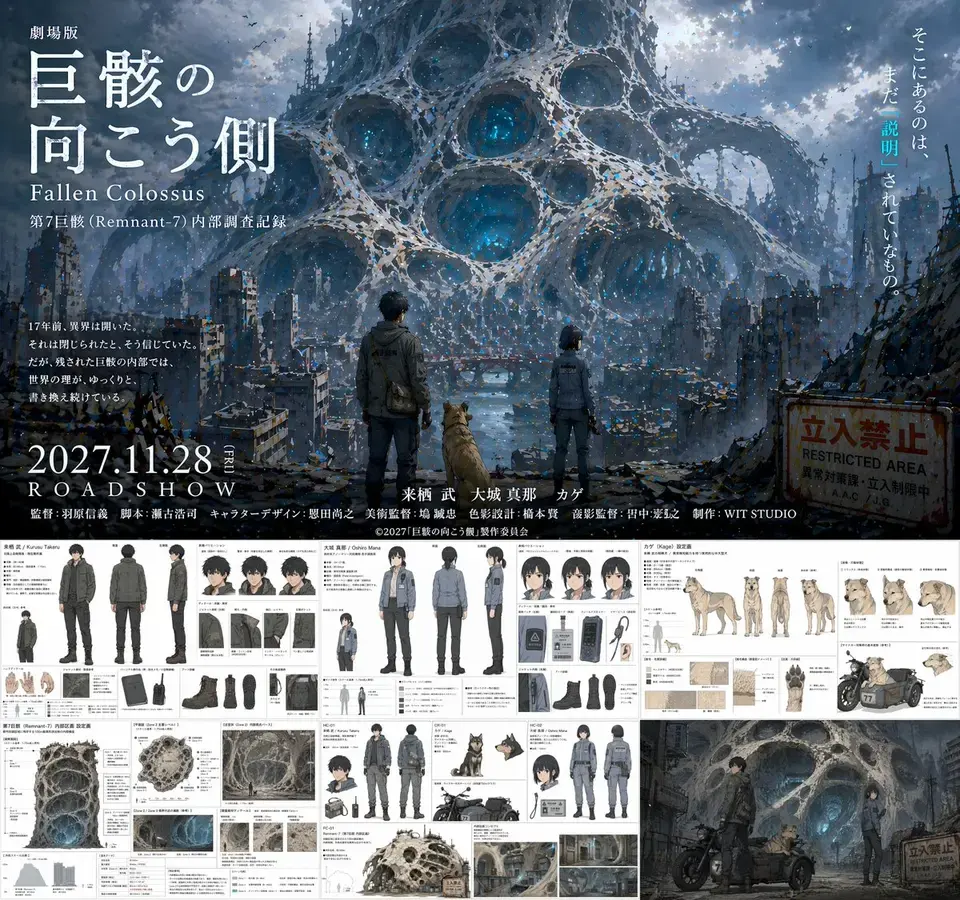
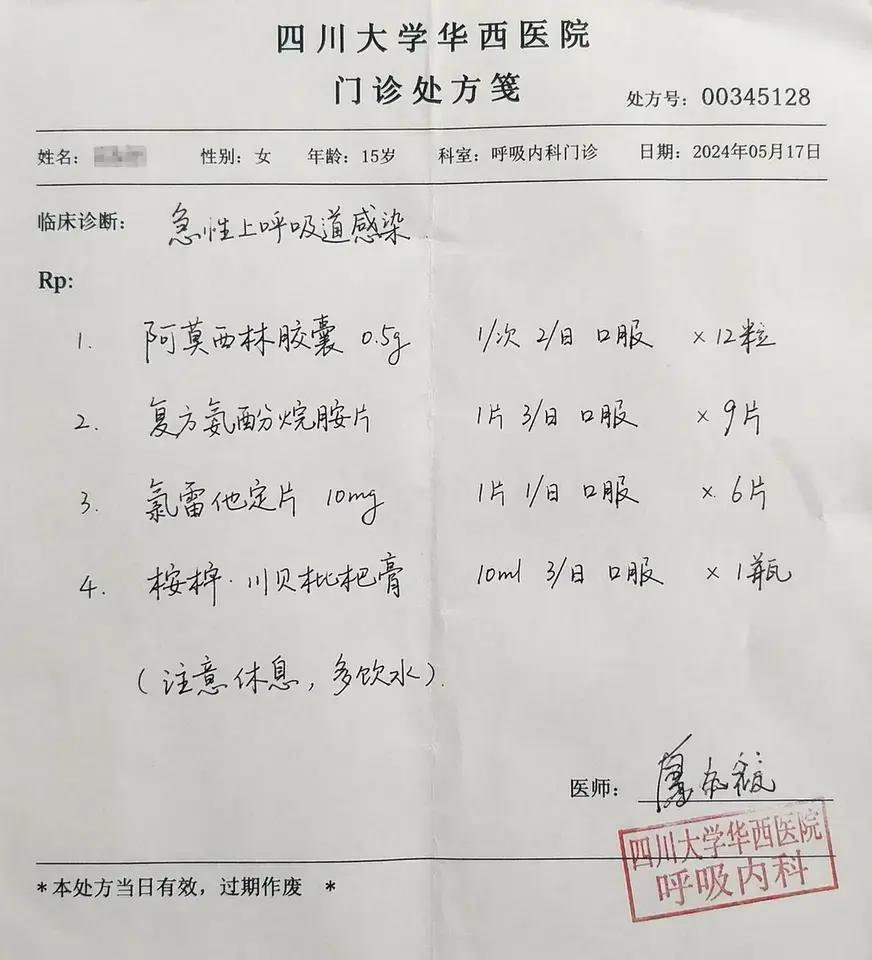
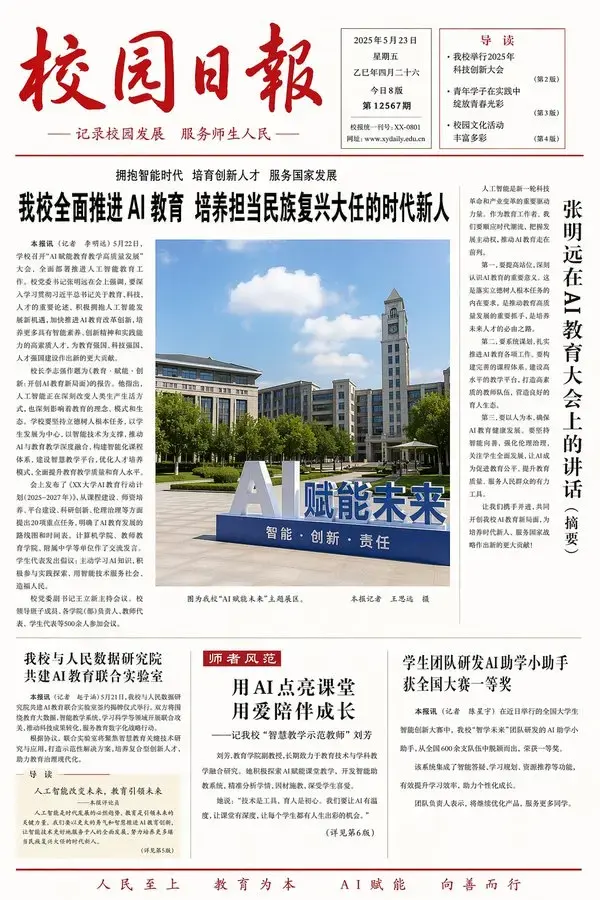
Please generate an enterprise-level commercial brochure visual system, with the theme of 's brochure.  Overall style: high-end, professional, with strong visual impact; avoid the traditional Word layout feel and ordinary PPT vibe. Use a style.  Brochure contents include:  1. Cover and back cover  2. Company introduction and brand philosophy  3. Core products and technical advantages  4. Application scenarios and solutions  5. Customer cases and cooperation methods  6. Full brochure system preview image  Requirements:  The layout must be design‑forward, with clear images, titles, data, icons, whitespace and hierarchy; maintain a unified brand visual system across the whole brochure; emphasize the completion level of real commercial materials, avoiding simple text layout.  Structure plan:  1. Cover / back cover: establish the brand façade, industry temperament and overall visual tone.  2. Company introduction page: explain company positioning, capability boundaries and service targets.  3. Product & technology page: showcase core products, technical advantages and solutions.  4. Application scenario page: let users see which industries the product can be used in.  5. Case / cooperation page: add credibility and commercial conversion information.  6. Full brochure system preview: verify style consistency and the system feel of the entire brochure.  If existing corporate materials are available, you can upload the old brochure, company introduction documents, product manuals, website content, PPT proposals, product images or case images, and let ChatGPT accomplish three tasks:  1. Re‑organize the content structure, determine which content is suitable for cover, company introduction, product pages, case pages and cooperation pages.  2. Refine the brochure's main line, avoiding merely piling up information, and form a clear commercial narrative.  3. Unify the visual direction so the whole brochure looks like a single brand system, avoiding a collage feel across pages.  Pitfalls to avoid:  1. Avoid simply saying “generate a brochure” at the start, which can lead to template‑like images.  2. Avoid only stacking text; the brochure must have product visuals, scenario images, data modules and design hierarchy.  3. Avoid generating only a single page; it is best to add a full‑brochure preview image to demonstrate a complete system.

Related cases

Explore similar styles

Back to Plaza